What’s the effect of a swipe, a tap, or a glance? A situation with two possible outcomes – either the user’s gone or he stays. What’s it going to be, and what’s it going to take you to achieve the latter?
Undoubtedly, apps that led to a lasting positive impression on customers have made an indelible mark in the digital world. Building an app from scratch is hard enough, but incorporating intuitive design and UI/UX design services in it? Like a maze, we’re sure. When you’re investing so much into your app’s creation, it’s only natural that you’d want it to be the best and gain the highest traction. And why compromise? In fact, higher-retention mobile apps are the name of the game. And the secret to making users stay? UI/UX for mobile app retention.
As a UI UX design agency with several years of proficiency in UI design and curating intuitive interfaces, Naskay Technologies will take you readers on a journey of how powerful design can turn or rather convert your app from a one-time download to a permanent daily habit. It takes a bit of knowledge on user experience best practices to get there.
UI/UX FOR MOBILE APP RETENTION
Let’s be practical. Designing an app is one thing, but making your app feel relevant and wanted in the long run is a big ordeal. Users install an app, but once they open it, they never return. People don’t have the time nor the inclination to explore the app for hours on end to discover noteworthy features until they decide it’s worth it. Your platform needs to impact the user positively within a few seconds and minor clicks. If not, sayonara, you could see your app metaphorically going in the trash.
That’s why UI/UX for mobile app retention is a game-changer. An impactful app is not one burgeoning at the seams with features on end. When someone opens your app, how do they feel? Are the buttons in the right places? Is the flow logical? Does the user experience just feel like second nature?
This is what user interface design and user experience design solve. They’re not just buzzwords; they are the backbone of mobile app retention and user engagement design. In today’s hyperconnected world, one can fathom the levels needed for not just attracting customers but also keeping them consistently engaged. And the difference between a one-time user and a loyal, daily user? That lies in the quality of UI/UX for mobile app retention. When you implement user interface and user experience best practices, you help your users intuitively understand how to navigate your app, which builds trust, satisfaction, and most of all – long-term usage.
THE HUMAN SIDE OF DESIGN: HOW UI/UX FOR MOBILE APP RETENTION CONNECTS WITH REAL PEOPLE
Behind every mobile app download is a human being with habits, emotions, attention spans, and expectations. UI/UX for mobile app retention goes beyond the technical layouts and aesthetic appeal that many companies seek solely to achieve. Yes, they’re important, but they are not exclusive to app success. As a mobile app development firm, Naskay Technologies specializes in crafting digital experiences that understands, supports, and anticipates the user in a real, human way. So, what’s the basic soft skill needed to develop high mobile app retention? Simple. It’s empathy. UI/UX best practices lie in simply placing your customers’ feelings and emotions along the journey and aligning them with future needs and changes.
Now, when we say ‘design for people,’ what does that mean? Well, just as democracy is a form of government for the people, of the people, and by the people, where people are powerful stakeholders, mobile app design lies in the hands of people. How the people engage with an app drives the way to design the app. As a UI UX design agency, we follow the business trend and adopt strategic user experience best practices for greater user engagement design.
So, when we wish to build intuitive interfaces, we mean that:
➥ Your users should not need a manual to navigate through the app.
➥ Buttons should be well placed, just at the right locations where they are meant to be (no scouting).
➥ Transitions should feel smooth and natural, not jarring, abrupt, and strange.
➥ Feedback, like animations and haptics, creates an immersive user experience and reassures users that their action was successful.

Most importantly, humans possess emotional memory. This means that they remember how your app made them feel. Did they feel frustrated? That equals a frustrating app that no one would want to use again. Did they feel amazed at how effortless the experience felt? That equals a seamless app that’s a big hit. So, basically, the role of UI/UX for mobile app retention here is to ensure that users feel:
1. Safe
This means that users understand what to do because the UI/UX best practices are gentle and straightforward. Consequently, the app responds reliably.
2. Valued
If UI design and UX services were confusing, imagine the maze you would put your users in and the amount of time they’d waste trying to navigate through the app. So, incorporating UI/UX for mobile app retention shows that as a mobile app development firm, you value people’s time and effort.
3. Satisfied
When user goals are met quickly and easily, they feel a sense of customer satisfaction.
Especially if you’re investing in mobile apps for U.S startups, or seeking a web design company in America, you can’t afford to ignore the human side of design. So, whether you’re a local coffee shop building an app with a mobile application development company in USA, or a startup working with a US-based app development company, integrating UI/UX for mobile app retention is non-negotiable.
NUMBERS THAT DON’T LIE: UI/UX FOR MOBILE APP RETENTION BY THE COUNT
Let’s get one thing straight and cleared up: UI/UX for mobile app retention isn’t just a design philosophy. It’s literally a performance strategy that’s backed by hard numbers that are solidified by years of business trends to prove them.
1. The 90-Second Test
➥ Studies show that users form an impression of your app in just 50 milliseconds, and within 90 seconds, they decide whether to stay or leave.
➥ That means that the tiny window is when user interface design and user experience design earn trust or lose it forever.
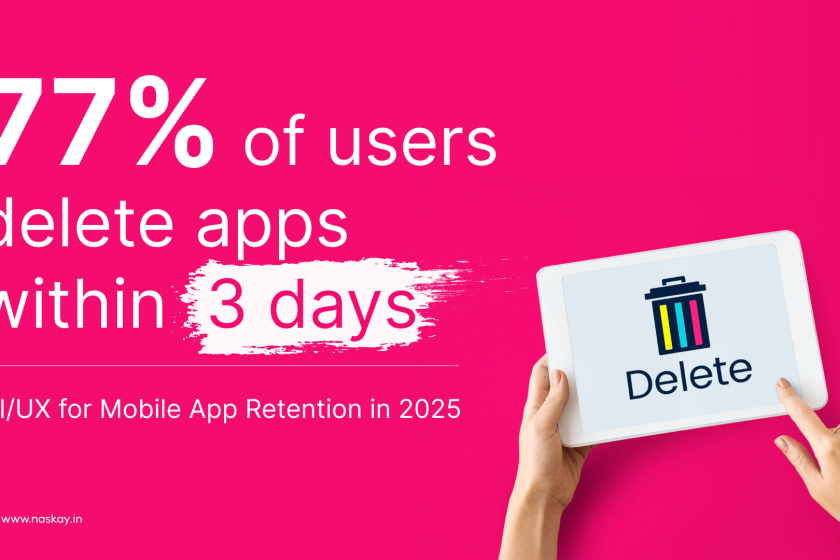
➥ Think about the average uninstall rates – a whopping 77% of users abandon an app within 3 days of download, and within a month, around 90% are gone. This industry benchmark tells us something important – UI/UX best practices for mobile app retention are crucial to keep your app afloat in a fiercely competitive market.
2. Metrics to Prove the Mettle
➥ There are numerous things improved by strategic UI/UX for mobile app retention.
➥ One is the time spent on an app. When you are able to sustain users more on the app, the session length directly increases, thus boosting the time spent on the app.
➥ When UI/UX for mobile app retention is incorporated correctly, people feel the need to use more features naturally. Consequently, the churn rate also decreases.
➥ Lastly, customer satisfaction is always on the positive spectrum because your customers are left happier.
UI/UX FOR MOBILE APP RETENTION: PROVEN STRATEGIES
If you’re serious about designing an app that stays with the people, you must be knee-deep in designing and developing an app that real people will use. We’ve helped brands grow in mobile app retention through smart, data-backed design choices. Time to look at some of them.
1. Purpose While Designing
Every screen, every button, and every swipe must be intentional and have a reason. Great UI/UX for mobile app retention begins with identifying what you users’ goals are and not just second-guessing. Remember, the best user experience design is always based on tangible facts and real research data. Use journey mapping and persona development to guide every design decision. Don’t design what you think looks good. Design what works for your users. So, take the help of UX design agencies because they give you goal-oriented targets to reach and not just focus on fancy aesthetics.
2. Keep Onboarding Short and Smart
When users open your app, onboarding must feel like a breeze. It should not drag for hours on end, or else, users are sure to abandon it without turning back. So, limit the onboarding process to 3 to 5 screens maximum. Presentation is important too, so instead of overloading the screen with text-heavy instructions, be judicious and utilize minimalism in every way. Use microinteractions and visuals as much as you can. Less is more.
3. Effortless Navigation
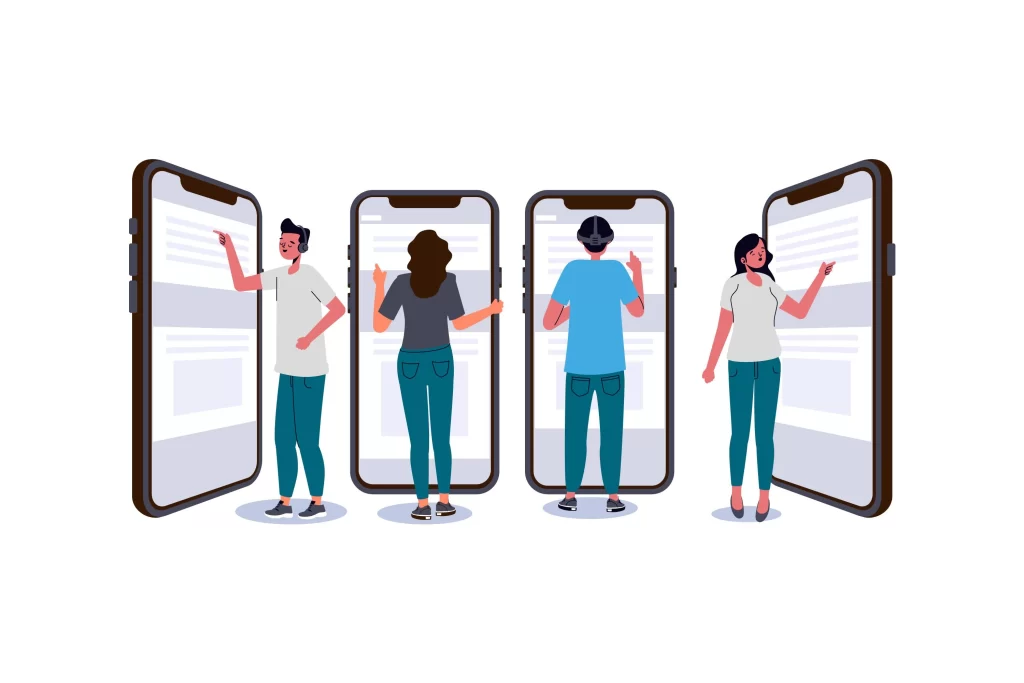
The golden rules here are to use clear icons and labels, keep navigation menus consistent, and make key actions easily accessible (bottom of the screen for one-thumb reach). So, UI/UX design services must incorporate intuitive navigation. At Naskay Technologies, we can create a clickable prototype that lets you know what you’re getting into. Our UI design company specializes in cross-platform mobile app development, where both iOS and Android users expect that native-feeling navigation.
4. Design for Speed
One of the most overlooked UI/UX best practices is optimizing perceived speed. Being fast and responsive is the name of the game when it comes to mobile app design. In fact, the whole point of user engagement design should include speed as one of the cornerstones for mobile app retention. Preload content before the user needs it, user skeleton loaders instead of blank screens, and compress images and other elements so as to not compromise on functionality and overall speed.
5. Personalization Equals Better
The rule of thumb: if you want to achieve UI/UX for mobile app retention, personalization is the way to go. Recommend features based on behavior, and allow user interface customization like dark mode and layout preferences. These are not just tactics but definite ways to enhance user experience, increase emotional connection, and ensure customer satisfaction.
6. Accessibility All the Way
Accessibility is good design. Intuitive interfaces aren’t just built on their own. User engagement design all arises from UI/UX best practices like using high-contrast colors and readable fonts, ensuring buttons are large enough to tap, and adding screen reader support and captions for all audio/video content. Long story short, apps that consider accessibility and prioritize it immensely naturally support higher mobile app retention.
7. UI and UX Interlinking
This is where many application development companies in the USA go wrong. They might treat UI and UX as separate departments or phases. But UI/UX for mobile app retention works best when both elements are truly integrated with each other. Ensure when you join forces with a mobile app development firm, the design and development teams work in close collaboration with each other. Visuals, motion, logic, and usability should align from the start.
8. Focus on the Right Metrics
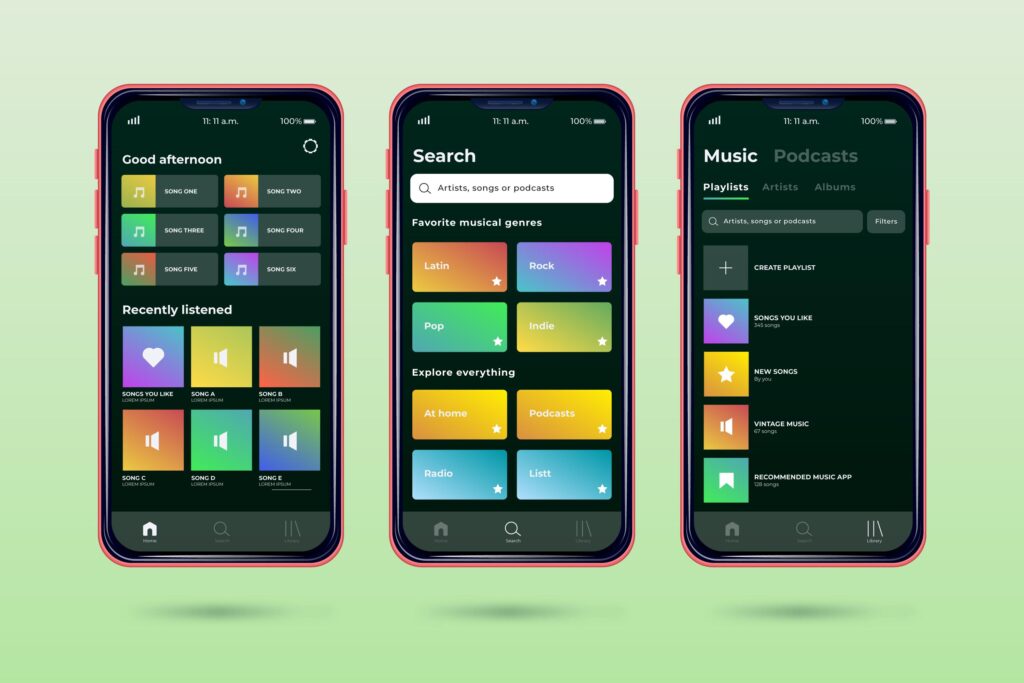
Measuring just downloads does no good. Measure what actually matters in UI/UX for mobile app retention, like daily active users (DAU), session duration, feature usage per session, mobile app retention at day 1, 7, and 30, and app uninstall rate.
CONCLUSION
To conclude, in the busy and ever-so crowded world of mobile apps, flashy features alone don’t build long-term loyalty – UI/UX for mobile app retention does. If you’re serious about creating apps people don’t just download, but keep, let’s make your idea worth staying for. User engagement design isn’t just a dream; it’s reality. Having intuitive interfaces that draw people in and keeps them in the loop is not easy, but with the services of a trusted mobile app development firm, it’s safe to say that the right UI/UX best practices will see your app to success.
Thus, UI/UX for mobile app retention is important for all those exploring custom app development in the U.S., or taking that initiative as a startup founder or a growing business. When your app feels intuitive, fast, and emotionally rewarding, users stay. They return. They tell others.
Don’t just build an app—craft an experience worth remembering. Partner with a UI UX design agency that understands retention isn’t luck—it’s design. Let’s make every tap count. Reach out now.
FAQs
1. How early should UI/UX for mobile app retention be considered during mobile app development?
From day 1. UI/UX for mobile app retention isn’t a final touch but rather the foundation we should all start with. Smart user engagement design is rooted in the smart mapping of user journeys.
2. What’s the role of a prototype in the UI/UX process?
It’s essential for testing user interface design, gathering feedback, and refining the experience. We use prototypes in all our custom app development projects.
3. What are signs that my UI/UX for mobile app retention is not working?
Watch for high uninstall rates, short session times, and frequent support requests. These are all signs users find your app confusing, slow, or unengaging.
4. Why is mobile app retention more challenging for U.S. audiences?
Users in the U.S. are used to polished apps. If your app doesn’t meet their expectations, they won’t hesitate to delete it. That’s why businesses working with a web design company in America or a US-based app development company must prioritize user experience best practices from the start.
Build apps users love to return to. Design for retention with UI/UX that connects and converts in 2025!